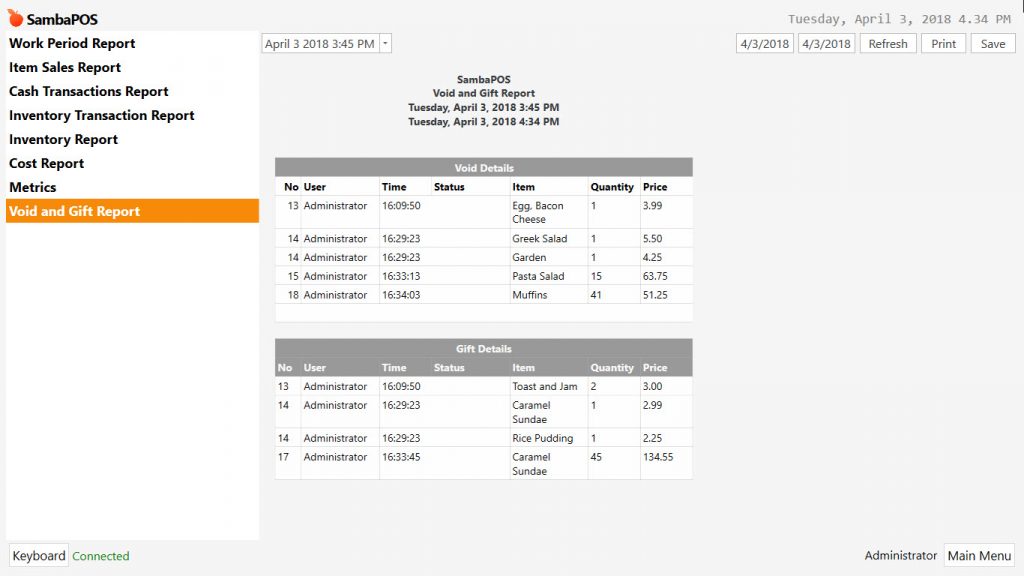

Reports
9.3 How to Create Void and Gift Report?
Go to Navigation > Manage > Reports > Reports from here click on Add Report link.
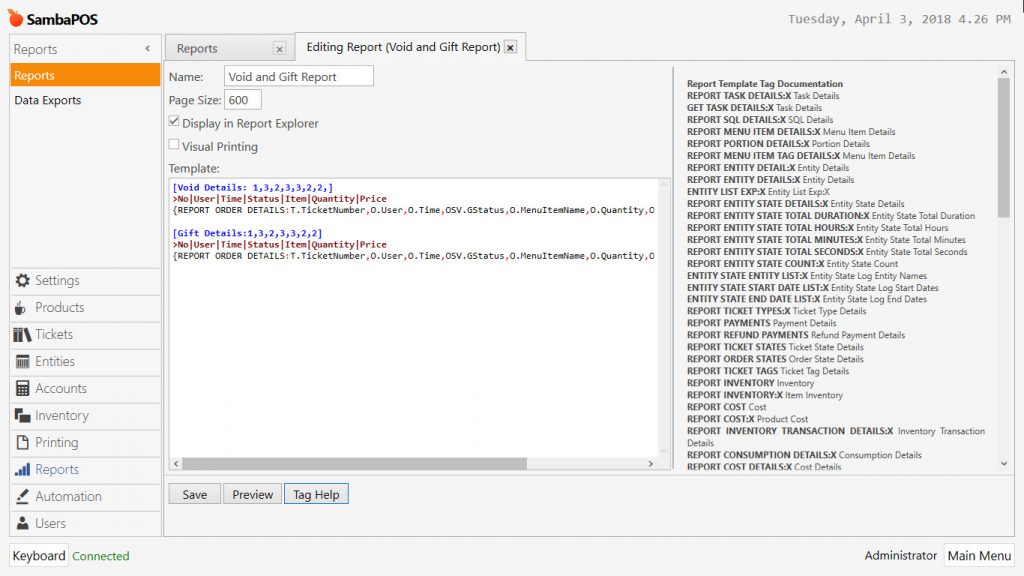
Name: Field to write name of report. (For example; Void and Gift Report)
Page Size: Field to set page size. (In the example; 600 px)
Display in Report Explorer: Activate it by selecting the box.
Template: Copy the code below into template field.
|
After completing necessary editings, click on Save button. You can display related report on navigation screen in the Reports menu.